Sustainability Certificate Extractor
A Python tool that turns ISCC sustainability certificates (PDFs) into a structured, formatted Excel workbook.
- Year
- 2026
- Role
- Solo — requirements, AI-assisted build, testing, delivery
- Status
- Live
- Stack
- Python
- pdfplumber
- PyMuPDF
- openpyxl
- Regex
- Claude Code
The problem
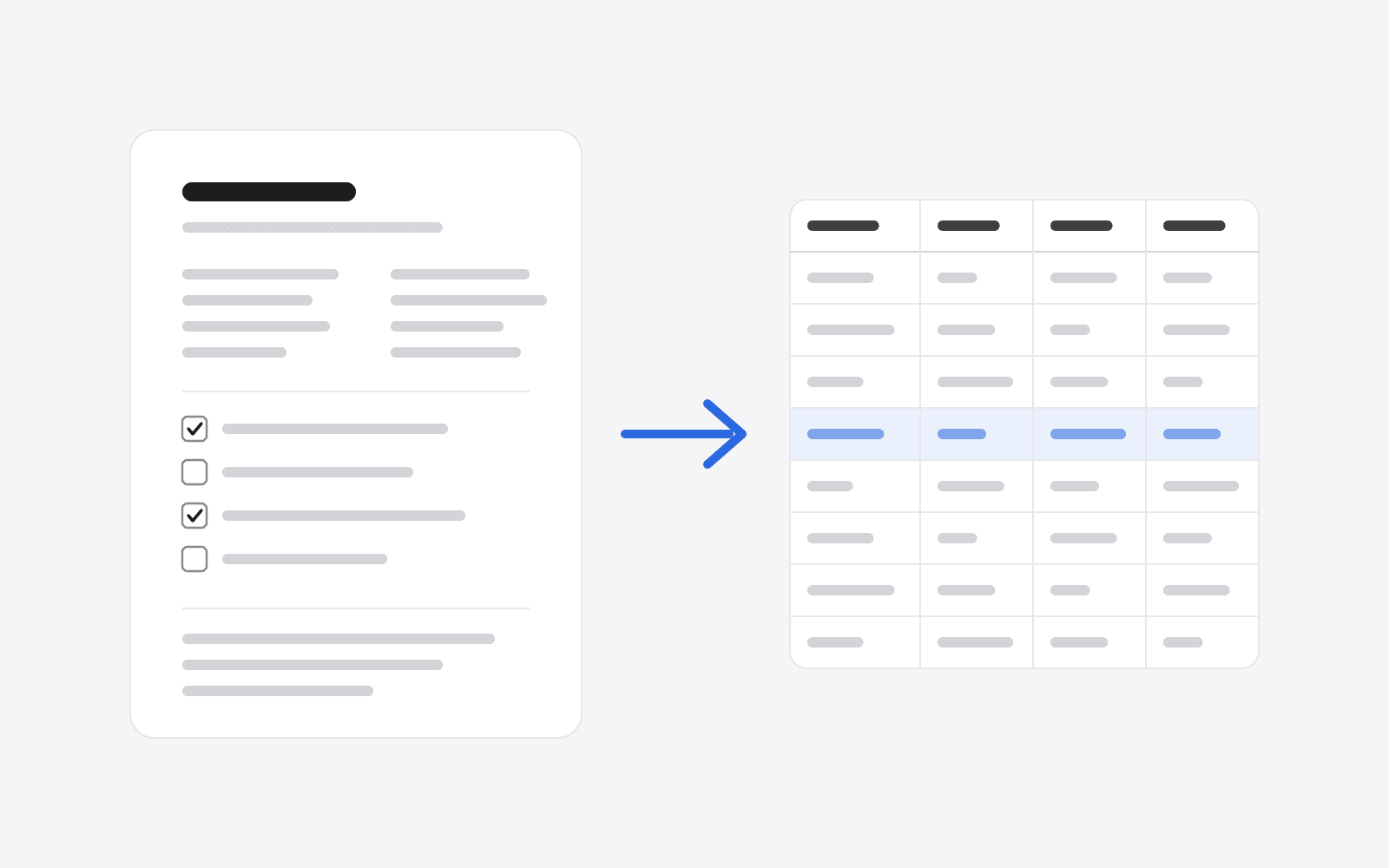
A family-run sustainability business receives ISCC Proof of Sustainability (PoS) certificates from fuel suppliers. Each one is a multi-page PDF covering who supplied what, where it was shipped, which sustainability criteria it meets, and a full breakdown of its greenhouse-gas emissions. That data needed to end up in a spreadsheet, and the only way to get it there was to retype it by hand. Each certificate took 5–10 minutes to key in, and they usually arrive in batches of 20 or more, so a single batch could take two to three hours of careful copying.
I built a command-line tool that reads a folder of certificates and produces a formatted Excel workbook with 56 fields per document, ready to filter, compare and audit.
Constraints
- Same form, different layouts. Every certificate uses the ISCC PoS template, but each supplier's software renders it differently. Text wraps in different places, values get split across lines, and one issuer combines numbers that another keeps separate.
- Some of the data isn't text at all. The Yes/No checkboxes, covering compliance, scope of certification and voluntary add-ons, are embedded images. Text extraction can't see whether they're ticked.
- Accuracy matters more than speed. This is compliance data. A wrong emissions figure or a missed tick is worse than a blank cell.
How I used AI
I built this with Claude Code as my pair programmer. My job was everything around the code: defining exactly which fields were needed and how the workbook should be laid out, collecting real certificates from different suppliers as test cases, running each one through the tool, checking the output against the original document, and feeding back every mismatch until the extraction was right. I tested it against around 20 real certificates, each with its own small layout differences.
AI made the build itself fast. Most of the time went into finding the edge cases, because each new supplier's layout broke something in a slightly different way. That's the part that needed a human in the loop, and it's where I spent my effort.
Architecture
It's a single Python command-line tool. For each PDF, it runs two extraction passes in parallel: one over the text and the position of every word, and one over the images embedded in the page. The results are merged into one record per certificate, and all the records are written to a two-sheet workbook. The summary sheet has one row per certificate, for filtering. The detail view has one column per certificate, grouped into sections, for side-by-side comparison.
Key decisions
Reading the layout, not just the text
Plain text extraction loses the page's structure. The supplier and recipient sit side by side in two columns, so reading line by line mixes them together. The tool works from word coordinates instead. It finds the "Recipient" heading, uses its horizontal position as the dividing line between the columns, and rebuilds each column's lines by grouping words with similar vertical positions.
Stripping the label instead of finding the value
On some certificates, a value is printed in the middle of its own wrapped label: half the label, then the address, then the rest of the label. Trying to match every variation would mean a new rule per supplier. Instead, the tool captures everything between one label and the next, then removes the known label wording. Whatever remains is the value. One approach handles all three layouts seen so far.
Detecting ticks by counting shades of grey
Each checkbox is a tiny embedded image. An empty box is almost pure black and white, just a handful of distinct grey levels. A ticked box adds anti-aliased pen strokes, which introduce many more. The tool counts distinct grey levels in each box and compares the count against a threshold.
Different suppliers' software produces slightly different images, so a fixed threshold wouldn't be reliable. The tool calibrates itself on every document. Two of the scope checkboxes are always blank under ISCC rules, so it measures those first to learn what "empty" looks like in that PDF, then sets the threshold relative to that baseline.
Parsing the emissions equation
The total emissions figure is printed as an equation (E = eec + el + ep + etd + eu − esca − eccs − eccr). Suppliers write it differently: some leave terms blank, and some print two values together. The tool splits the equation on its operators and treats each segment as holding zero, one or two numbers. That way each component lands in the right column whichever style was used.
Outcome
- Fields extracted per certificate
- 56
- Replaces 5–10 minutes of manual entry per certificate (two to three hours for a typical batch of 20+) with a single command
- Extracts 56 fields per certificate, including tick-box states and all eight emissions components
- Tested against around 20 real certificates with varying layouts
- In use by the business whenever a new batch of certificates arrives
What I'd do differently
- Flag uncertainty instead of leaving blanks. At the moment, a field that can't be found is simply left empty. The next step is a confidence column that highlights cells for a human to check, which matters for compliance data.
- Keep going when one file fails. One unreadable PDF currently stops the whole batch. It should be logged and skipped.
- Add a regression test suite. Each supplier's sample certificate, paired with its known-correct output, would let me change the parser without worrying about breaking a layout that already works.